Rack planning for data centre equipment
Plan a rack you can trust, down to the millimetre
Racks & Stuff lays out real servers, storage, switches and power gear in real enclosures. Every model is drawn from its vendor's own figures, and every number says where it came from.
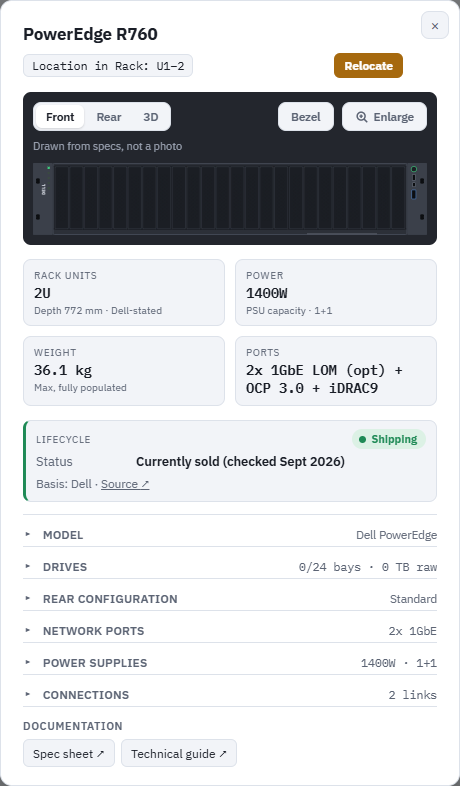
Every device drawn from its vendor's figures
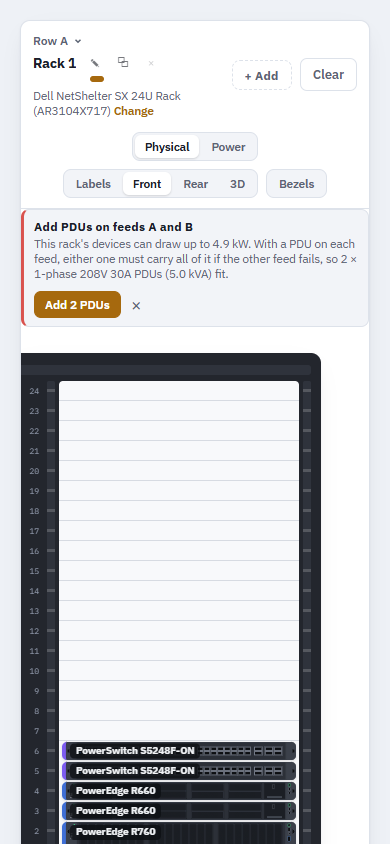
Front and rear drawings are traced from each vendor's own diagrams: drive bays, power supplies, ports and slots in the right places. Pick a rear configuration or drive layout and the drawing follows.
Each model's details show its depth, power, weight and ports, its lifecycle status with the source, and links to the vendor's documents.
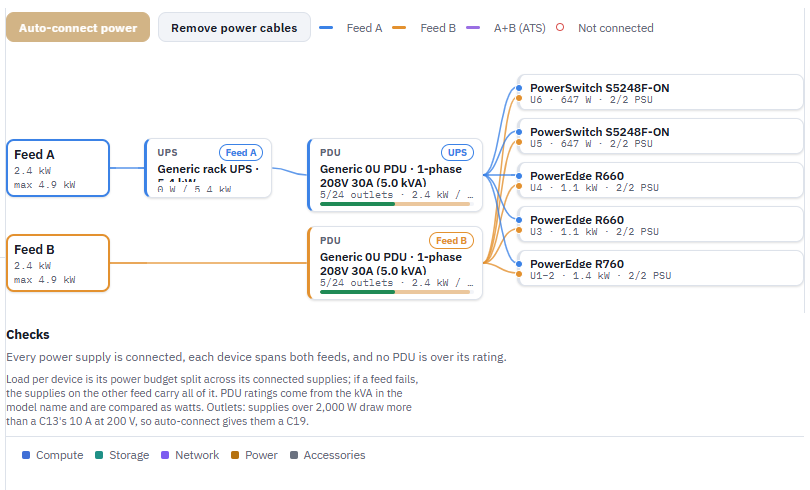
Power that shows its working
Every device counts against the rack's power and weight limits. The Power view lays out feeds A and B, PDUs and every power supply, and checks that each device spans both feeds and no PDU is over its rating if a feed fails.
Short of PDUs or outlets? Suggestions add the right ones and cable them in one tap.
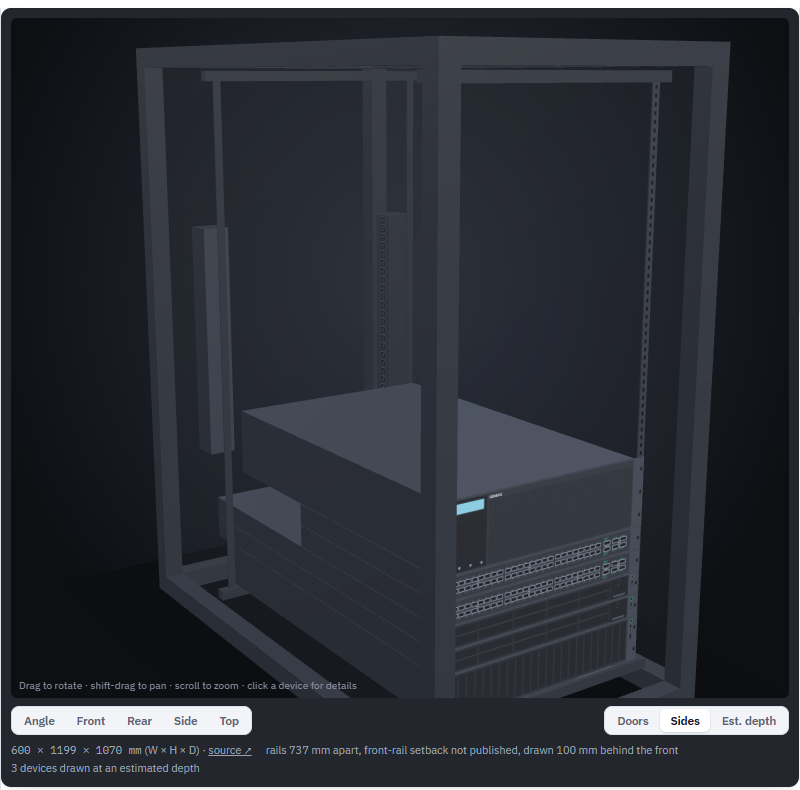
The whole rack in 3D, with a depth check
Cabinets are drawn at the size their makers publish, and each device sits at its U position at its real depth. Anything deeper than the cabinet turns red, so you find out before the delivery, not during the install.
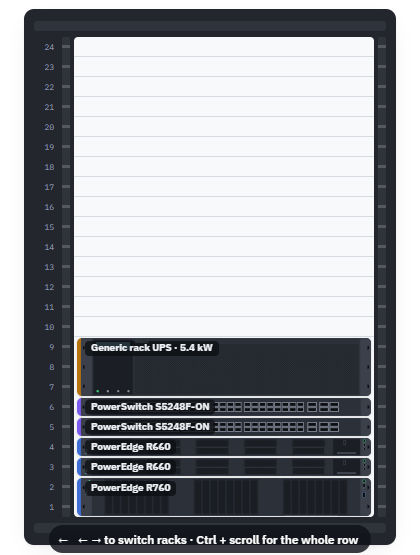
Start generic, switch vendors as you build
Sketch the rack with generic devices first, then convert them to Dell, HPE, Lenovo, Cisco or Supermicro models one at a time or all at once. Power gear converts separately, to APC or Eaton.
Each model lists its equivalents from the other vendors, and the catalog checks itself against vendor lifecycle notices every month.
No source, no change
Specs, depths, port counts and lifecycle dates come from the vendor's own documents, with the link recorded. When a figure can't be confirmed, the app says so instead of guessing.
Racks & Stuff is in early access
Want to plan your next rack with it? Email us and we'll send you a link.
hello@racksandstuff.com